Vibrating Screen Maintenance Guide: A Sensory-Based Approach
Vibrating screens are the backbone of countless industrial processes—mining, aggregates, food processing, chemicals, and recycling all depend on these machines for consistent material separation.
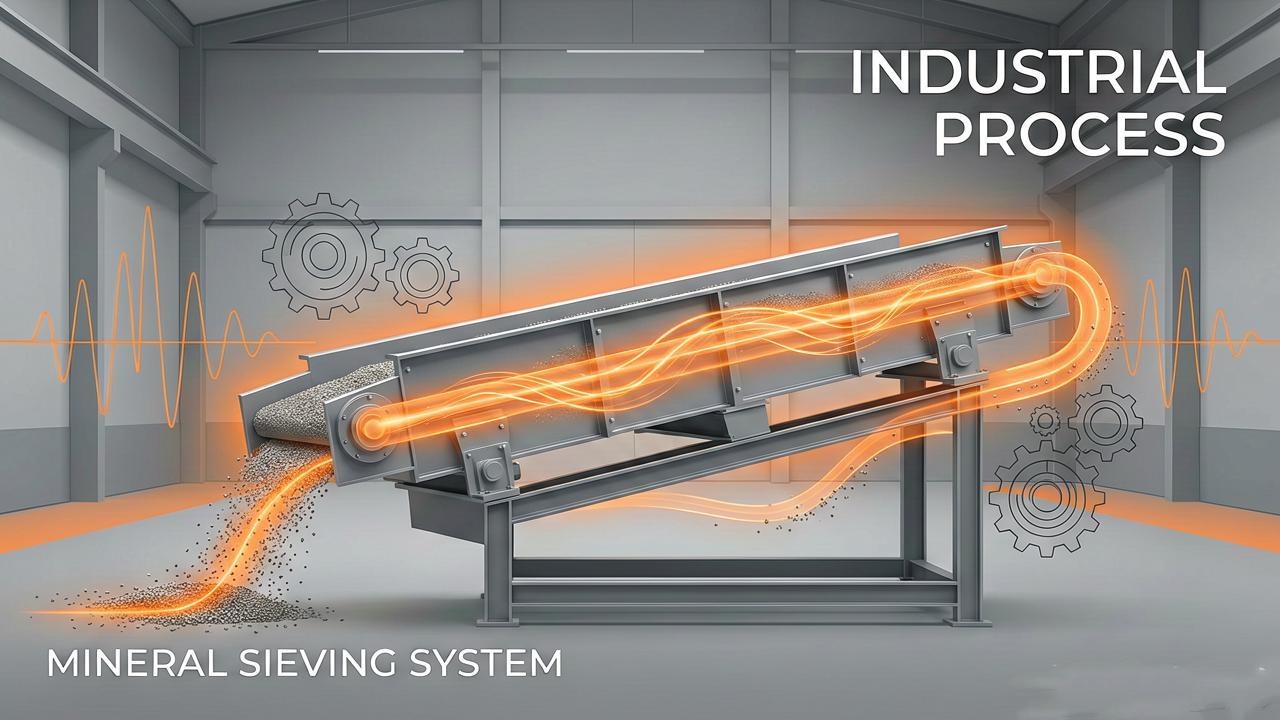
Over years of servicing vibrating screens across mining and aggregate operations, we have found that this guide offers something different. Instead of just handing you a checklist for Vibrating Screen Maintenance, we teach you how to "read" your vibrating screen using your senses—sight, hearing, touch, and smell. By learning to interpret what the machine is telling you, you will spot problems early, reduce downtime, and extend equipment life.
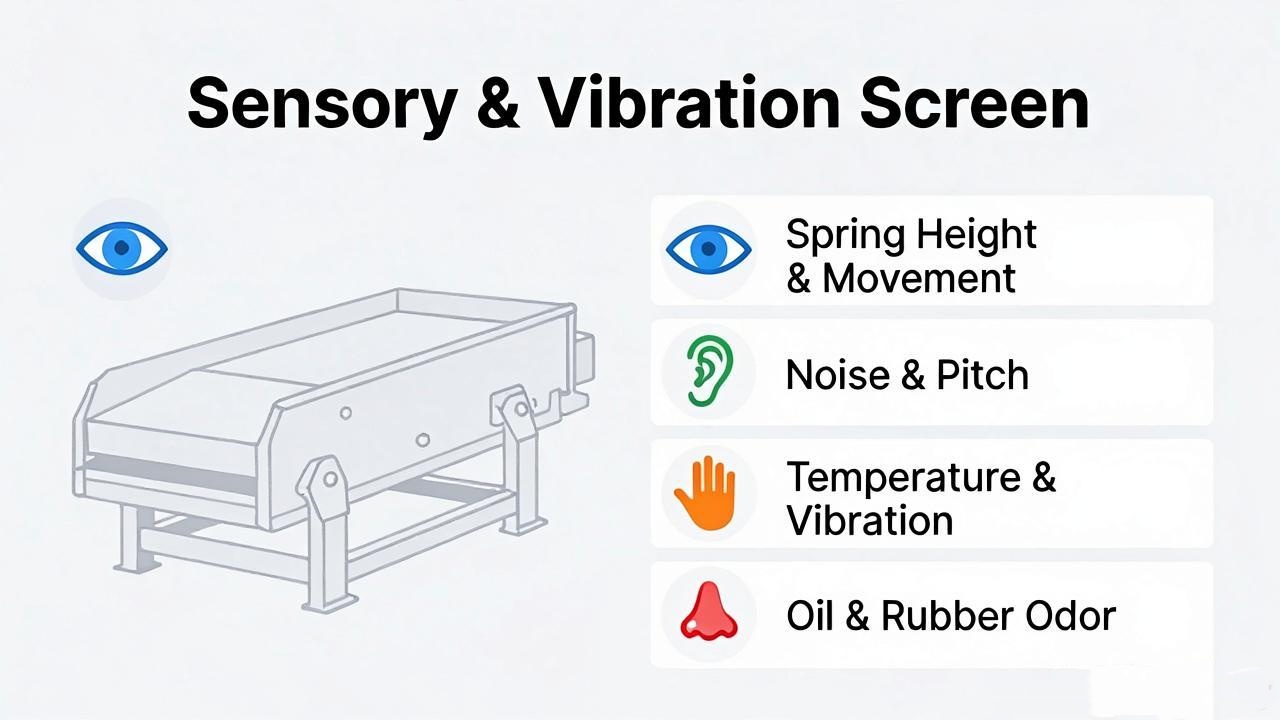
The Sensory Diagnostic Framework – Using Sight, Hearing, Touch, and Smell
Your senses are your most powerful diagnostic tools. In our experience servicing hundreds of vibrating screens, the most effective maintenance professionals develop an almost instinctive ability to detect problems—but this instinct is simply the result of paying attention to what the machine is saying.
| Sense | What to Monitor | Why It Matters |
|---|---|---|
| Sight | Movement symmetry, material buildup, visible wear, spring heights, bolt tightness | Most problems leave visual traces before they become failures |
| Hearing | Unusual noises—banging, clanging, grinding, pitch changes | Abnormal sounds indicate bearing wear, loose parts, or structural issues |
| Touch | Temperature (bearing housing, motor surface), vibration intensity | Heat warns of lubrication failure or overloading |
| Smell | Hot oil, burning rubber, overheating components | Odors reveal belt slippage, degraded lubricant, or electrical issues |
Sensory Inspection Guide – Using Your Senses to Diagnose Problems
Visual Inspection: What to Look For
Symmetrical operation — both sides must move identically. A quarter-inch stroke difference side-to-side indicates support structure twist; a half-inch difference is a serious issue.
Spring heights — left and right sides should match. Side-to-side difference greater than 5mm means it is time to level the machine.
Material buildup — check the screen surface, frame, springs, and mounting system. Accumulated material throws off balance and accelerates wear.
Visible damage — cracks in side plates, worn screen media, loose bolts. Address them immediately.
Auditory Inspection: What to Listen For
A properly running screen produces a uniform hum. Deviations are warnings:
Banging or clanging → loose components, broken springs, or metal-to-metal contact
Grinding → bearing failure or inadequate lubrication
Pitch or rhythm changes → feed issues, material buildup, or developing mechanical problems
Best listening time: during startup and shutdown, when changes are most noticeable.
Tactile Inspection: What to Feel For
Temperature — the bearing housing should be warm, not hot. Motor surface exceeding 70°C (158°F) is a red flag. Check after at least four hours of operation. (Source: Bearing manufacturers' technical specifications)
Vibration — with the machine locked out, feel for unusual vibration in the support structure.
Olfactory Inspection: What to Smell For
Hot oil smell → lubricant degrading or components overheating
Burning rubber → V-belts slipping
Electrical burning → motor issues needing immediate attention
Establishing a Baseline – Know What "Normal" Looks Like
Here is what most maintenance guides miss: you cannot effectively maintain a machine if you do not know what "normal" looks like.
Establish a baseline when your screen is in good operating condition—ideally when newly commissioned. According to ISO 10816 (mechanical vibration standards), key parameters to document include:
Critical (resonant) frequency measurements;Structural movement and side plate deflection;Orbit measurements in at least six positions;Spring heights at all four corners;Drive and driven speeds;Drive direction;Clearance to static items;Feed conditions.
Why it matters: Operating near critical frequency causes frame cracking, side plate failure, and efficiency loss. Without a baseline, you cannot know if you are in the safe zone.
Run baseline diagnostics seasonally and compare results. This allows you to plan maintenance during scheduled shutdowns—not in emergency mode.
Daily, Weekly & Monthly Maintenance Schedule

Daily Maintenance (15–20 minutes)
Before Startup:
Perform lockout-tagout before touching anything;Clear debris from working areas;Inspect screen media for tears or uneven tension;Check all bolts—especially screen box to vibrator, and frame to support springs;Verify drive bearings are lubricated; inspect grease lines for damage.
During Operation:
Listen for abnormal sounds;Observe material flow—is it even? Any buildup?Monitor vibration consistency.
After Shutdown:
Clean residual material from screen surface and machine body;Document any abnormalities.
Weekly Maintenance (45–60 minutes)
Remove edge strips; check for blockages
Clean adhering material with high-pressure water (0.3–0.5 MPa) or soft brush—never use hard tools that could scratch the screen;Check frame welds for cracks; repair with arc welding if found;Inspect support springs for deformation, aging, or breakage.
Measure spring heights—replace in matched sets if side difference exceeds 5mm;Check bearing temperature with infrared thermometer; record for trend analysis;Re-check screen tension—new media stretches during the first 48 hours of operation
Monthly Maintenance (2–3 hours)
Inspect drive V-belts—check tension, wear. Replace as a set, never individually
Thoroughly check all bolted connections—tighten and replace missing hardware;Inspect screen media for wear patterns indicating uneven feed; rotate or replace as needed;Check motor mount for cracks, loose bolts, or movement; verify belt alignment.
Lubrication Best Practices
Improper lubrication is a leading cause of bearing failure. (Reference: SKF bearing lubrication best practices)
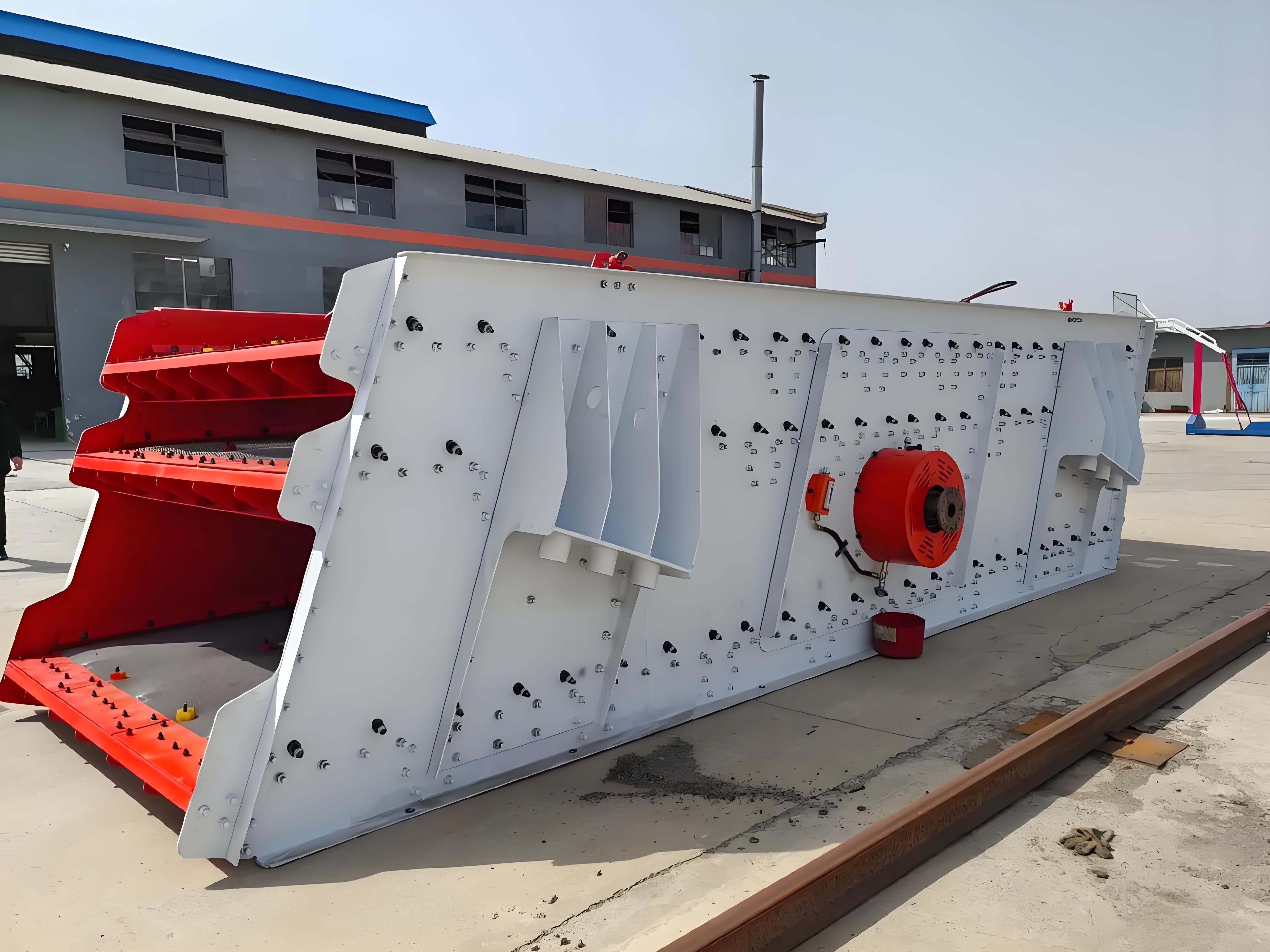
Exciter Oil Change Procedure
Change every 800 hours of operation or per manufacturer guidelines
Critical: Use the manufacturer-specified oil type
Procedure:
Open drain plug;Allow full drainage;Clean and securely fasten drain plug
Add fresh oil.
Warning: Elevated exciter housing temperature during operation means an oil change is overdue. Degraded oil increases friction and heat.
Bearing Lubrication Guidelines
Follow manufacturer-recommended greasing schedule and quantity;Over-greasing causes overheating and seal damage.
Winter: Below –10°C (14°F), switch to low-temperature formulation like EP1
Troubleshooting Common Issues
| Problem | What You See | What You Hear | What You Feel | What You Smell | Likely Cause | Solution |
|---|---|---|---|---|---|---|
| Uneven side-to-side movement | Asymmetrical stroke | — | Uneven vibration | — | Support twist or spring mismatch | Level machine; replace springs in pairs |
| Excessive noise | Visible wear or damage | Banging, grinding | Excessive vibration | — | Loose parts, worn bearings, broken springs | Inspect and tighten; replace bearings or springs |
| Overheating | — | — | Housing above 70°C | Hot oil | Lubrication failure, overloading | Check oil; inspect bearings; reduce feed |
| Poor screening efficiency | Material buildup, blinding | — | — | — | Screen damage, poor tension, feed issues | Clean or replace screen; adjust tension; check feed |
| Burning rubber smell | — | Squealing | — | Burning rubber | V-belts slipping | Replace belts as a set; check tension |
| Frequent screen breakage | Tears, holes | — | — | — | Screen fatigue (approximately 90% of failures)* | Replace screen; investigate cause—improper installation, corrosion, shock, abrasion |
Source: Industry technical bulletin on screen media fatigue analysis.
For persistent issues beyond routine maintenance, consult your equipment manufacturer for technical support.
Safety First – Lockout-Tagout and PPE
Lockout-Tagout-Try:
Before any maintenance, follow lockout and tagout to isolate all energy sources. Screens must be fully deenergized and motionless—stored energy can cause movement minutes after shutdown. (Reference: OSHA Lockout/Tagout standard 29 CFR 1910.147)
The "Try" step: After locking and tagging, physically attempt to restart the equipment. Verify it cannot start. This confirms the lockout is effective.
Never assume interlock: Place locks on the screen itself, as well as on feed and discharge conveyors. Do not assume they are interlocked.
Always wear PPE: Safety glasses, gloves, hearing protection, and steel-toed boots.
Why Choose a Professional Manufacturer? – Key Benefits
Choosing the right equipment manufacturer makes a significant difference in maintenance ease and long-term reliability. Professional manufacturers offer:
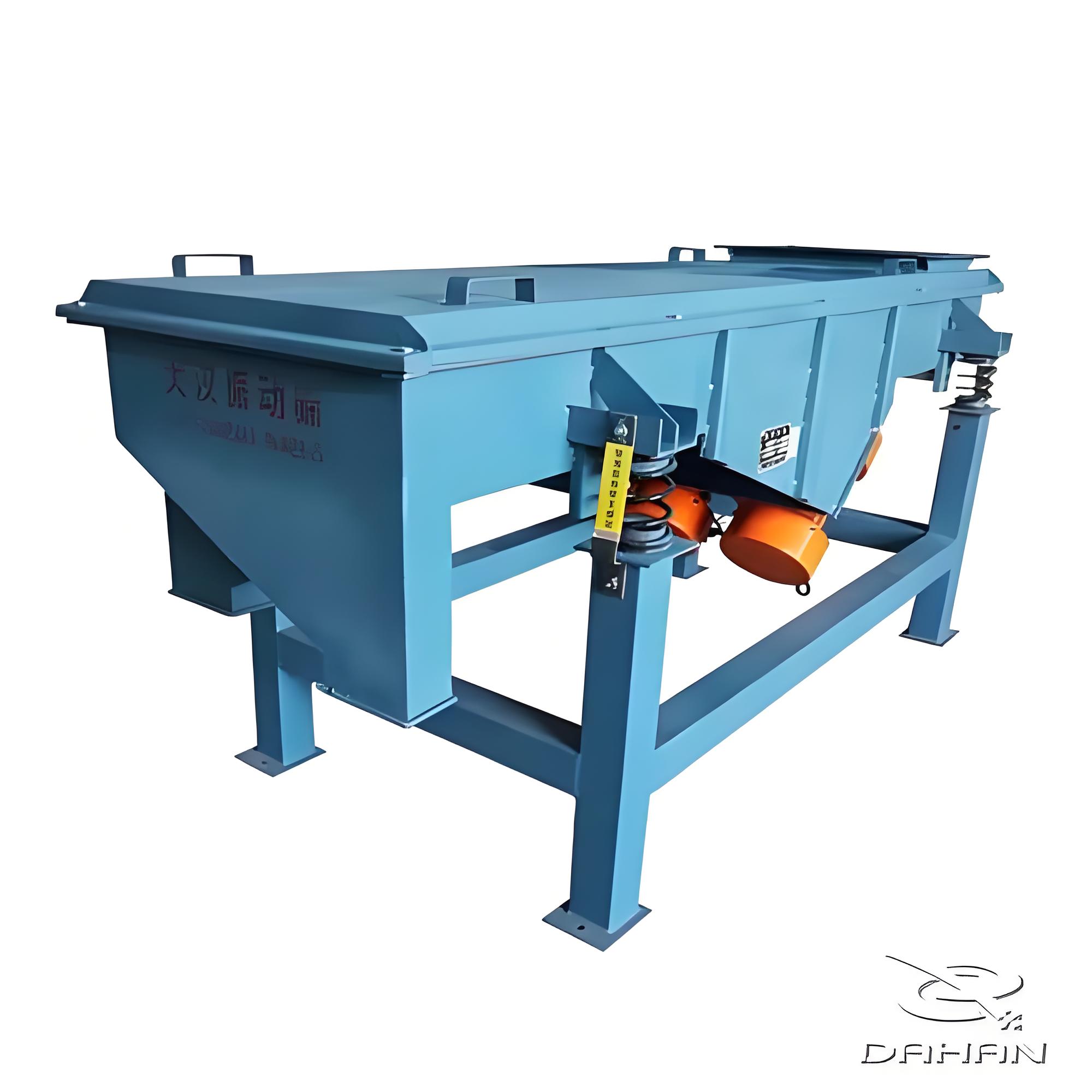
Direct pricing—no middleman markups.
Complete product range with customization options.
ISO and CE certified quality standards.
Minimal downtime with quick-change screen designs.
Stable, low-noise operation.
About Dahan Machinery – Your Screening Equipment Partner
We are a China-based manufacturer specializing in vibrating screening equipment for mining, aggregate, food processing, and chemical industries. With over 15 years of engineering experience, our equipment is trusted in more than 30 countries worldwide.
Contact Dahan Machinery today to discuss your screening requirements. Our engineering team is ready to help you find the right equipment—and the right maintenance plan—for your operation.


-
Preventing Mesh Clogging in High-Moisture Grain Screening: Practical Solutions
Screening grains with elevated moisture levels routinely triggers severe mesh blinding. ...
-
5 Essential Tips for Selecting the Right Vibro Sifter for Fine Powders
Selecting the right vibro sifter for fine powders requires more than choosing a machine with a fine mesh or a high advertised capacity. ...
-
How to Prevent Mesh Blinding During Fine Powder Sifting for Higher Yields
In fine powder processing, mesh blinding (also known as screen pegging or clogging) is one of the most persistent operational hurdles...

Email:
sale@xxdahan.com
WhatsApp:
+86 15236742901
Add:
1000m West of Forest Park,Yanjin County,Xinxiang City,Henan Province,China.